
Spotlight: OpenAI Codex Is Like an AI Engineer Helping You Code
💻 Available now: You can download the Codex app for macOS and use it as a standalone coding workspace.
OpenAI Codex is more than an autocomplete tool. It is built to help with real software work, such as building features, cleaning up old code, running tests, and managing large projects.
Think of Codex like a smart assistant that understands your codebase and works quietly in the background while you focus on ideas, planning, and decisions.
- Handles full tasks: Codex can work on complete features, not just single lines of code.
- Works on multiple tasks: It can run jobs in parallel using cloud workspaces.
- Follows your rules: You can teach it your coding style, tests, and documentation habits.
- Automates routine work: It can help with reviews, builds, and other repetitive engineering tasks.
Why this matters: For beginners, solo developers, and small teams, Codex can save time and reduce mental load. It helps you move faster while still keeping your code organized and easier to maintain.
💡 Beginner tip: Start with small tasks like fixing bugs or writing helper functions before trusting Codex with bigger jobs.
Source: OpenAI
OpenClaw Turns AI Into a Real Personal Assistant on Your Computer
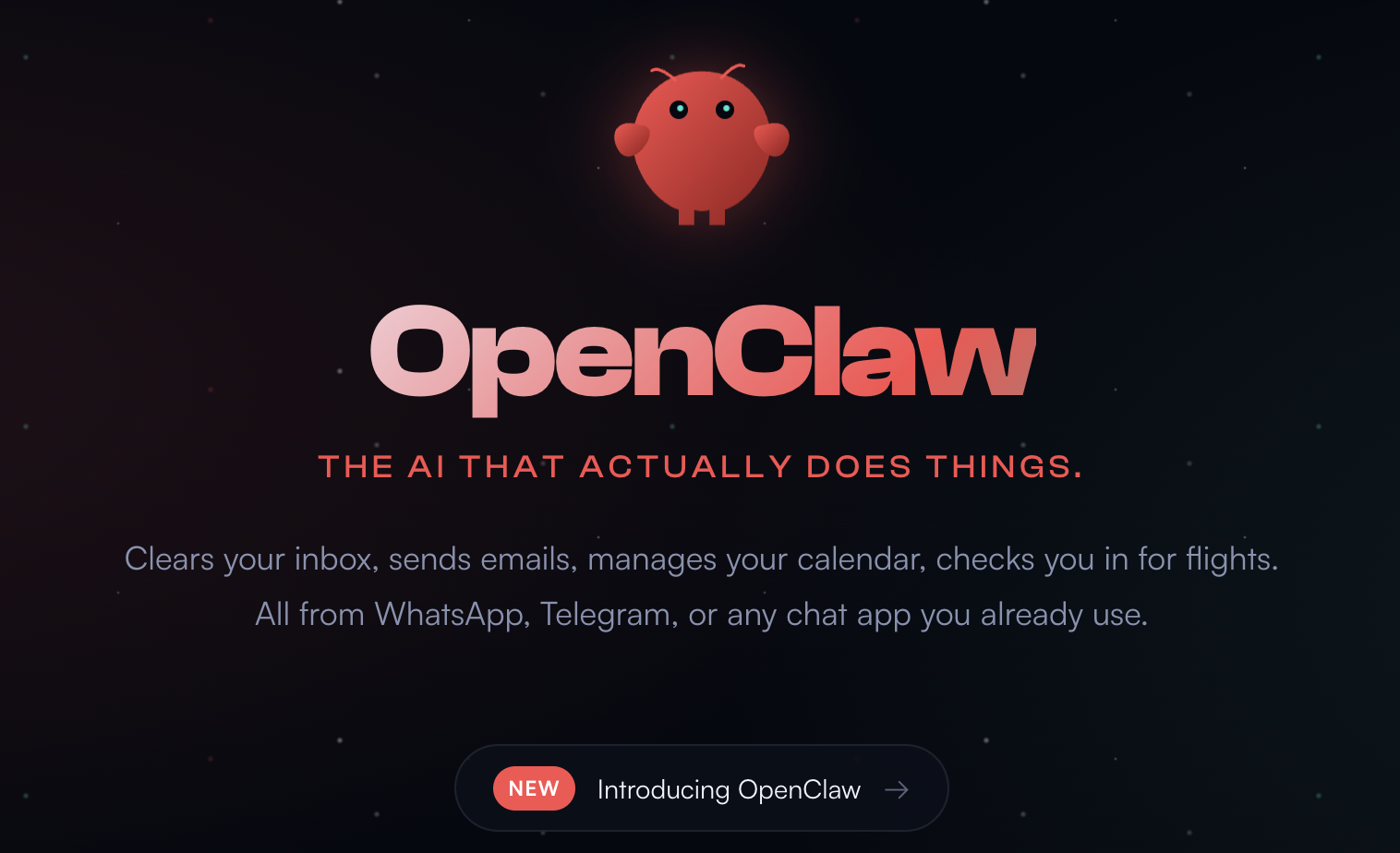
OpenClaw is an open-source AI assistant that runs directly on your own computer, not on someone else’s servers. Instead of just chatting, it can actually do things for you—like sending emails, managing calendars, and controlling your browser.
Think of OpenClaw as a digital coworker with a brain (AI models), eyes (your browser and screen), and hands (access to your system).
What OpenClaw can do
- Clear inboxes, send emails, and manage calendars automatically.
- Run background tasks like reminders, daily briefings, or checks.
- Control your browser, files, and command line.
- Chat with it through apps you already use, like WhatsApp, Telegram, or Slack.
Why people are excited about it
OpenClaw runs locally and keeps your data on your machine, which is rare for AI tools. It’s also highly customizable—you can switch AI models, add community skills, and even let multiple AI agents work together on bigger tasks.
Important safety note
⚠️ OpenClaw has deep system access. A serious security bug was recently fixed, so keeping it updated is critical. It’s best treated as a powerful hobby project, not yet ready for enterprise use.
💡 AI Viewer takeaway: OpenClaw shows what “AI with hands” really means. It’s a glimpse of assistants that don’t just answer questions—but actually get work done.
Source: OpenClaw / GitHub
Project Genie Lets You Explore AI-Generated Worlds From Text

Project Genie is a new experiment from Google DeepMind that lets you type a short description and instantly step into an explorable, video-game-like 3D world—right in your browser.
Instead of watching a video or looking at an image, you can actually move around the world, change your view, and explore it as the AI generates the environment in real time.
How it works (in plain language)
- You describe a place using text, like a city, village, or fantasy scene.
- Genie creates a 3D world from that description at video-quality detail.
- As you move around, the AI keeps generating the next moments on the fly, so the world stays consistent instead of falling apart.
Watch: Project Genie explained in 2 minutes
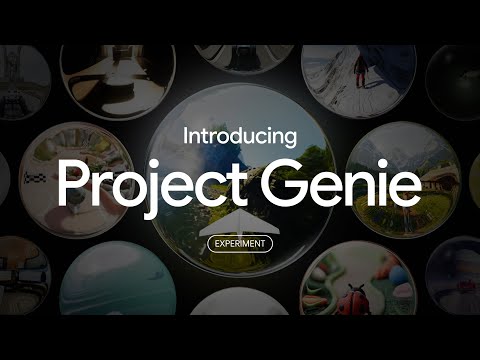
This short video shows how Project Genie turns simple text prompts into interactive worlds and explains why world-model AI is such a big step forward.
Why this matters
Project Genie is an early example of “world-model” AI—systems that simulate environments, not just images or videos. This could shape future tools for education, games, robotics training, and interactive storytelling.
💡 AI Viewer takeaway: Project Genie turns prompts into playable worlds, offering a preview of how interactive AI experiences may soon become common.
Source: Google DeepMind
Grok Imagine 1.0 Brings Longer, Clearer AI Videos

xAI has released Grok Imagine 1.0, a major update to its AI video generation tool. This version focuses on making AI-generated videos longer, clearer, and more practical to use.
- Videos can now be up to 10 seconds long.
- Output quality is upgraded to 720p resolution.
- Audio quality has been significantly improved.
According to xAI, Grok Imagine has generated more than 1.2 billion videos in the last 30 days alone, showing how fast AI video creation is growing.
💡 Why this matters: Longer clips and better quality make AI video more useful for social media, quick explainers, ads, and creative storytelling.
Source: xAI
Kimi K2.5 Is the Most Powerful Open-Source AI Model Yet
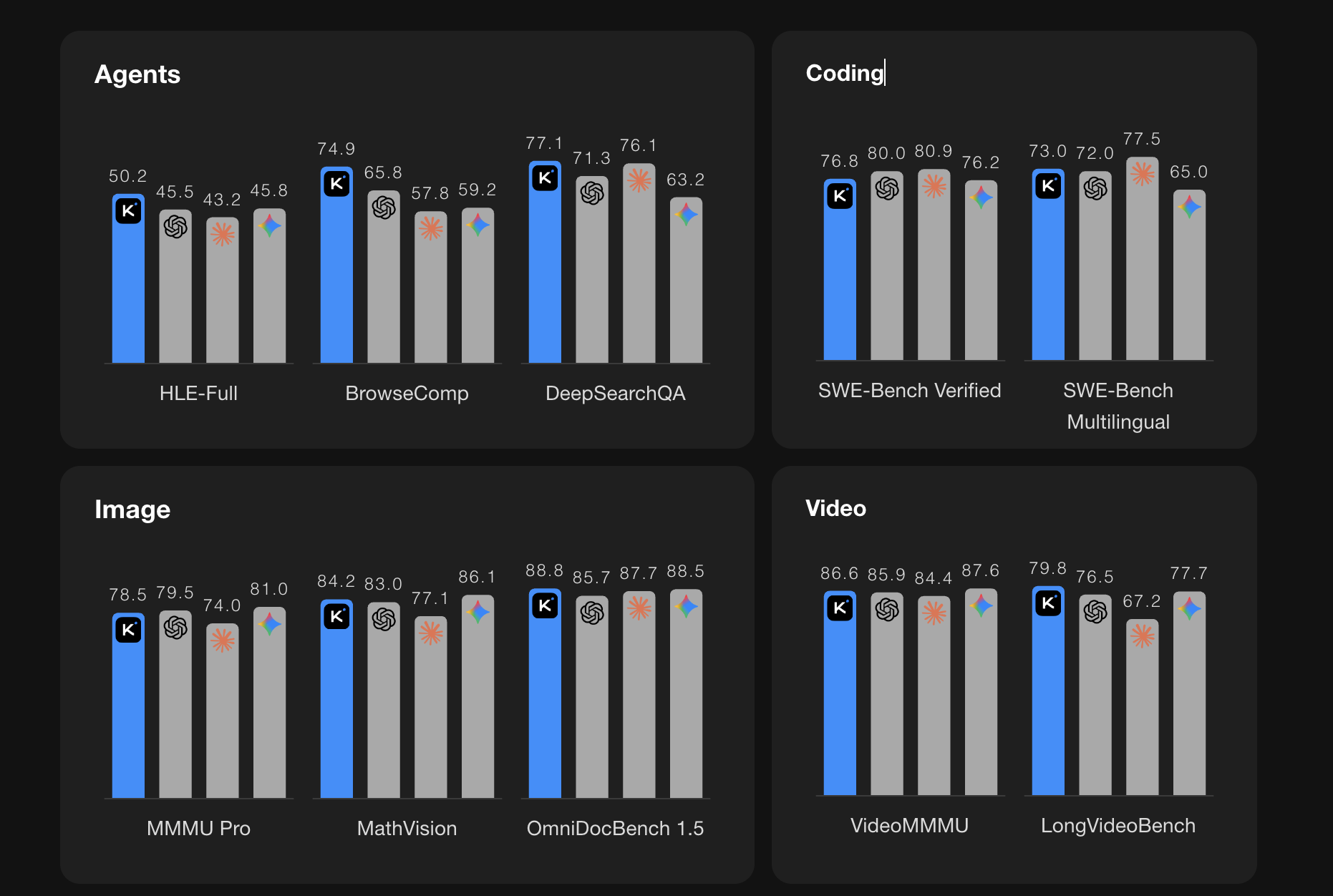
Kimi has released Kimi K2.5, a major upgrade to its open-source AI model. It is designed to handle complex work like coding, visual reasoning, research, and long multi-step tasks.
Instead of working as a single chatbot, K2.5 can plan and execute tasks using many AI agents working together at the same time.
What makes Kimi K2.5 different
- Multimodal by design: It understands text, images, and video together.
- Very strong at coding: Especially for front-end and visual-to-code tasks.
- Agent Swarm support: It can create up to 100 sub-agents for hard problems.
- Faster results: Parallel agents can finish complex tasks up to 4.5× faster.
What is an agent swarm (simple explanation)
An agent swarm works like a project manager AI. It breaks a big problem into smaller jobs, assigns them to specialist AIs, and combines the results into one final answer.
Where you can use Kimi K2.5
- Kimi.com and the Kimi App
- API access for developers
- Kimi Code for terminal and IDE-based coding
💡 Why this matters: Kimi K2.5 shows how open-source AI is moving beyond chat. These models can now plan, code, research, and complete real work at scale.
Source: Kimi / Moonshot AI
