
In partnership with


Welcome to Ai Viewer
AI is moving faster than ever—but learning it doesn’t have to feel complicated. At Ai Viewer, our goal is simple: make every update clear, practical, and easy to follow.
In this issue, we’ll cover Grammarly’s new writing “mini-experts,” a lightning-fast coding model from Grok, Microsoft’s breakthrough voice AI, TIME’s list of the most influential people in AI, Google Gemini’s powerful image editor, and Kimi’s instant slides tool.
Think of this newsletter as your weekly AI toolkit—accessible, useful, and designed to help you explore AI one step at a time. Whether you’re a beginner or already experimenting, there’s something here for you.
Grammarly Adds New AI Writing Helpers
Grammarly has launched a set of special AI “helpers” that go far beyond grammar checks. These new tools can predict how your audience might react, help find credible citations, or even grade assignments.
Imagine having a team of mini writing experts inside your editor: one proofreads, another checks for plagiarism, another detects if text is AI-generated, while others review clarity, tone, and even subject-matter accuracy.
Most of these helpers are already available in Grammarly Docs for free and premium users, with extra features for Pro accounts. This shift shows Grammarly moving from simple corrections to smarter, goal-focused writing support.
Source: Grammarly
Read More at GrammarlyThe Simplest Way To Create and Launch AI Agents

Imagine if ChatGPT and Zapier had a baby. It’d be ridiculously smart… and probably named Lindy.
With Lindy, you can spin up AI agents in minutes to handle all the stuff you’d rather not—like lead qual, cold outreach, web scraping, and other “ugh” tasks. It’s like hiring a whole team that never sleeps, never complains, and never asks for PTO.
Lindy’s agents are ready to take on support tickets, data entry, lead enrichment, scheduling, and more. All so you can get back to the fun part: building your business.
Ready to hand off the busy work? Build your first AI agent today and join thousands of businesses already saving time (and sanity) with automation that actually works.
Grok Releases a Super-Fast Coding AI
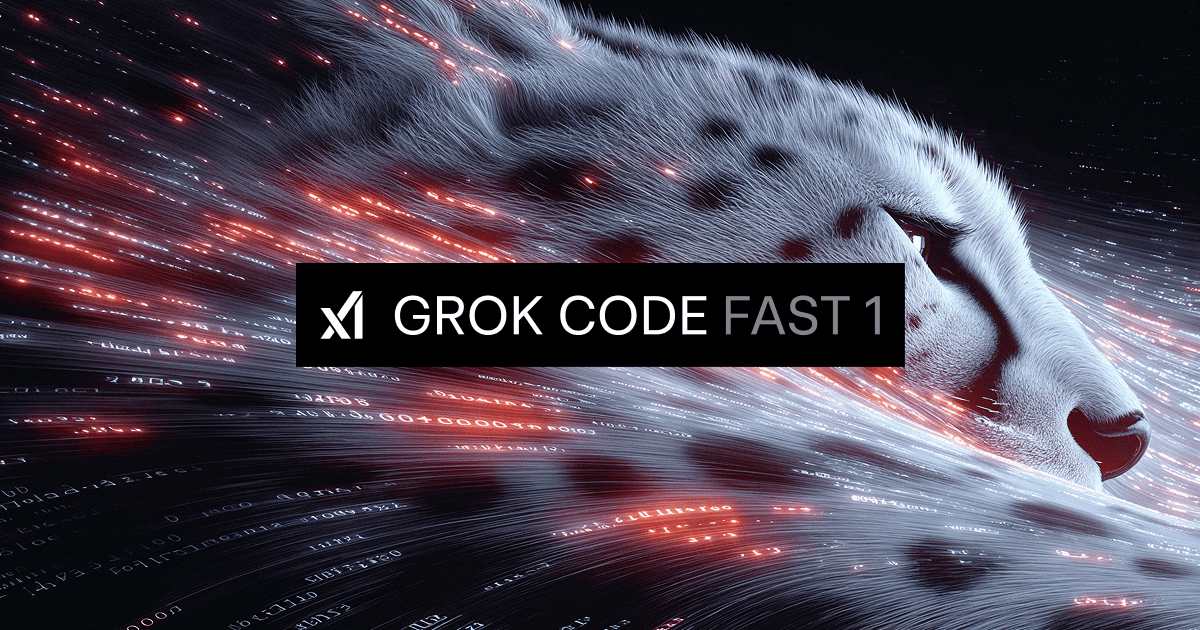
A new AI model called Grok Code Fast 1 has launched, designed to help anyone—from students to professionals—write, fix, and understand code faster than ever. You can try it free right now on tools like GitHub Copilot, Cursor, and Kilo Code.
Think of it like a digital cheetah for coding—quick, efficient, and always ready to help. Unlike some slower coding AIs, Grok Code Fast 1 is designed for smooth back-and-forth, so it feels responsive and natural to use.
How to Try Grok (Beginner Friendly)
- Install VS Code: Download Visual Studio Code, a free, beginner-friendly coding app used by millions worldwide.
- Add the Kilo Code Extension: From inside VS Code, search for Kilo Code and install it. This gives you access to Grok.
- Start a New File: Open a blank file, type a question or piece of code, and Grok will suggest improvements, fixes, or explanations instantly.
What Grok Can Do for You
- Build Websites: Ask Grok to create a simple webpage, and it will write the code for you.
- Create Web Apps: Prototype small apps (like a to-do list) in minutes.
- Fix Bugs: Paste an error message and Grok will show what’s wrong and how to fix it.
- Explain Code: Unsure what a piece of code does? Grok can break it down in plain English.
- Learn as You Go: Follow Grok’s “reasoning trace” to see how it thinks—great for beginners learning programming.
- Save Time & Money: It’s faster and cheaper than many other coding AIs, making it great for students, startups, or hobby projects.
Tip: Be specific. Instead of asking “make me a website,” try “make me a 3-page website about healthy recipes, with a contact form.” The more detail you give, the better Grok’s results.
Source: xAI
Read More at xAIMicrosoft Launches Its Own AI Voice Model
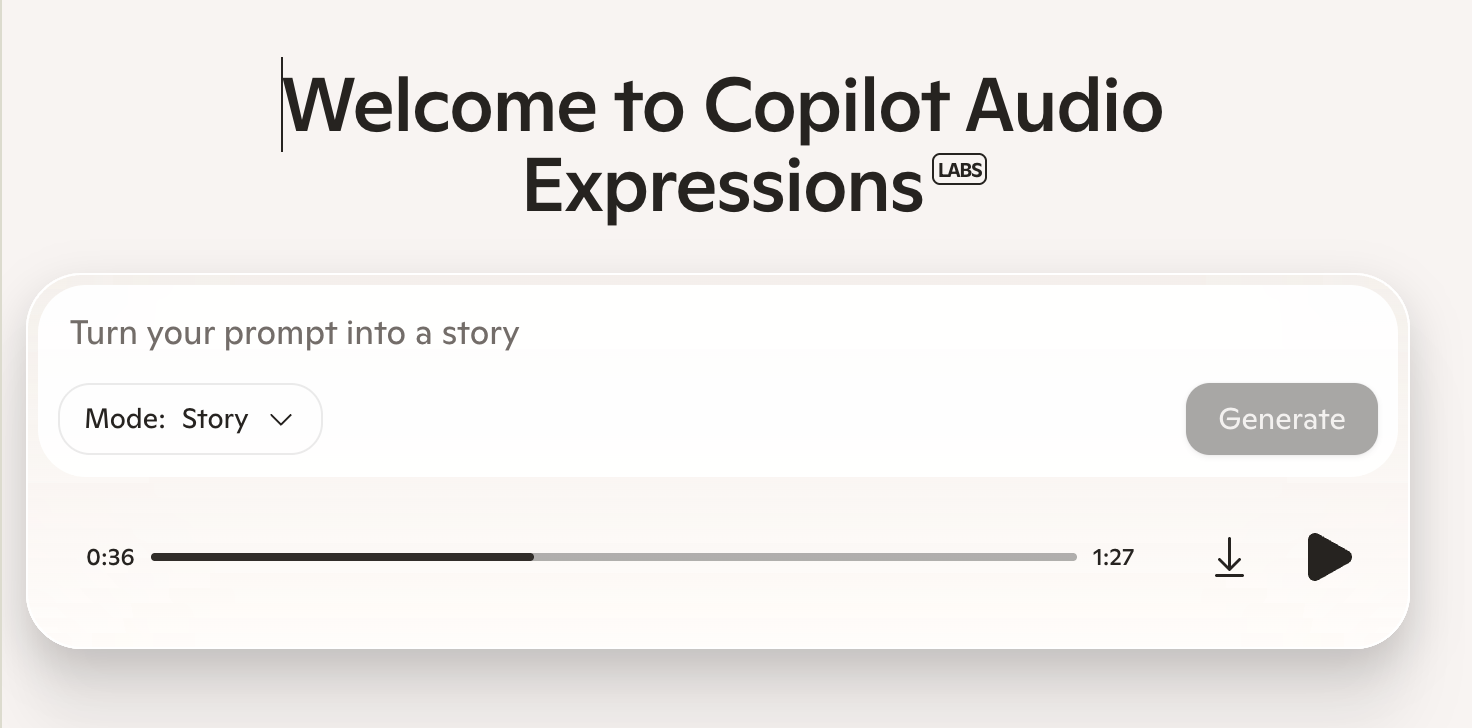
Microsoft has introduced MAI-Voice-1, its first in-house AI voice model. This tool generates speech that sounds natural and expressive, almost like a real actor reading a script.
It’s also extremely fast: a full minute of audio can be created in under one second on a single computer chip. This makes it ideal for podcasts, assistants, and any app where realistic speech matters.
You can try MAI-Voice-1 right now in Copilot Daily and Podcasts, or test it yourself in Copilot Labs. Microsoft says this is just the beginning, with more voice technology on the way.
Think of it as a digital storyteller—ready to give your text a natural voice at lightning speed.
Quick Ways You Can Use It
- Create Podcast Intros: Turn your script into a polished voice recording in seconds.
- Read Essays Aloud: Hear how your writing sounds when spoken naturally.
- Make Voice Notes: Convert long text into quick audio reminders.
- Add Narration to Projects: Give presentations, slides, or videos a professional voiceover.
Source: Mustafa Suleyman (Microsoft AI)
Try It in Copilot LabsAI voice dictation that's actually intelligent

Typeless turns your raw, unfiltered voice into beautifully polished writing - in real time.
It works like magic, feels like cheating, and allows your thoughts to flow more freely than ever before.
Your voice is your strength. Typeless turns it into a superpower.
TIME Names the 100 Most Influential People in AI

TIME has released its 2025 TIME100 AI list, highlighting the 100 most influential people shaping artificial intelligence today. This is the third year of the list, celebrating leaders, innovators, and thinkers building the future of AI.
The issue features a striking cover by artist Refik Anadol, who used AI to reimagine more than 5,000 past TIME covers into one abstract visualization—described as AI “dreaming” about a century of TIME’s history.
Profiles this year include Cloudflare CEO Matthew Prince, OpenAI’s Joanne Jang, actor and filmmaker Natasha Lyonne, and AI safety researcher Stuart Russell. TIME’s editors spent months curating the list with recommendations from industry leaders worldwide.
As TIME’s Editor-in-Chief explains, the aim is to remind us that AI’s future will be determined not by machines, but by the people—creators, advocates, and innovators—who guide its direction.
Source: TIME
Read More at TIMEGoogle Gemini Adds Powerful Image Editing
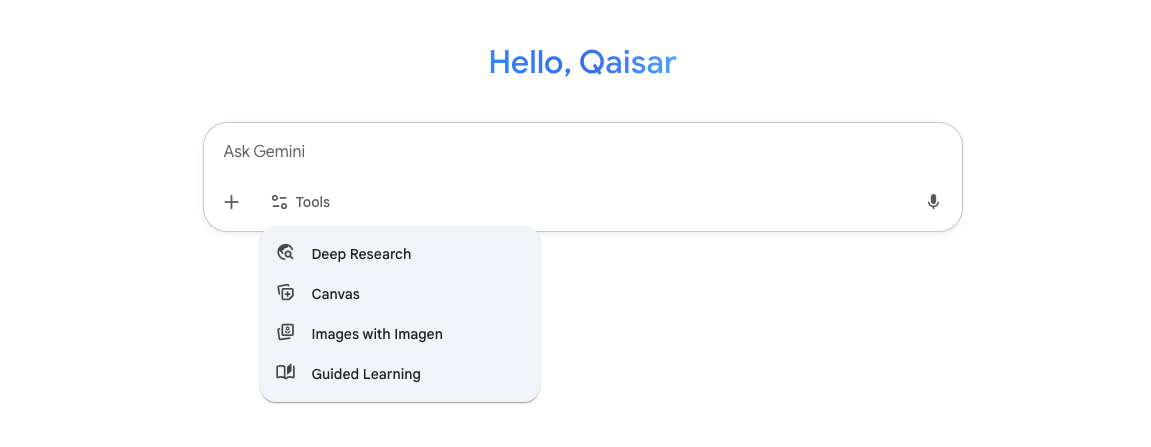
Google’s Gemini app just released its new “nanobanana” update, giving you powerful tools to create and edit images directly inside the app. From turning objects into 3D models to changing small details in photos, this is Gemini’s biggest image update yet.
Step-by-Step: How to Try It
- Go to: gemini.google or open the Gemini app.
- Upload or generate a photo: Pick an image you want to edit, or let Gemini create one from a prompt.
- Ask Gemini: Type something like “Make an isometric 3D model of the chair only.”
- Edit details: Try prompts like “Change the man’s tie to green” or “Remove the car in the background.”
- Keep characters consistent: After generating one image, take the same subject on a journey by asking for new scenes (e.g., “the same wizard cat in a library”).
Pro Tips for Better Images
- Subject: Be specific (“a fluffy calico cat wearing a wizard hat”).
- Composition: Choose framing (close-up, portrait, wide shot).
- Action: Describe what’s happening (“casting a magical spell”).
- Location: Set the scene (“a café on Mars at sunset”).
- Style: Pick the look (watercolor, photorealistic, 3D animation).
Creative Prompts You Can Copy
Think of Gemini as your smart photo studio—it can tweak small details or build imaginative scenes, all from simple prompts you paste in.
Source: Google Gemini
Try Gemini AppKimi Slides: Create Presentations in Minutes with AI
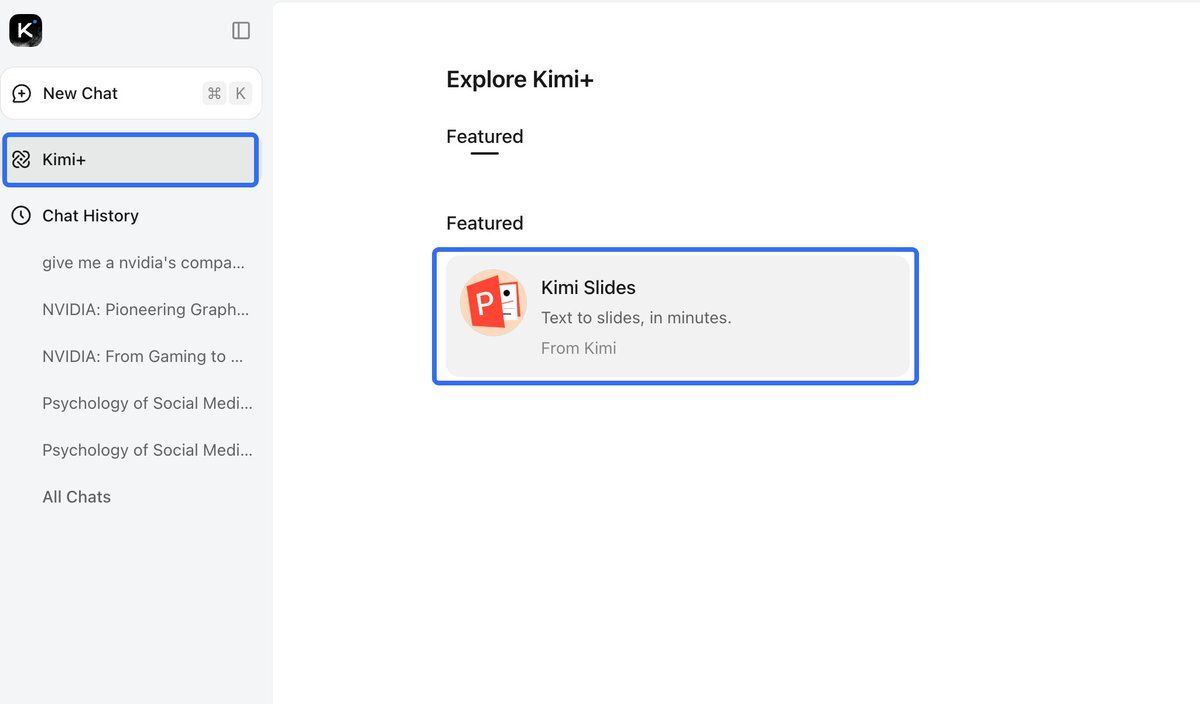
Kimi has launched Kimi Slides, a new AI tool that makes professional-looking presentations in just a few minutes. You can upload a PDF (like a research paper) or simply ask Kimi to create a slide deck on any topic.
Think of it like a personal slide designer: it drafts the slides, you choose a style, then export as a PowerPoint file you can edit and share.
Step-by-Step: How to Use Kimi Slides
- Go to: kimi.com
- Log in: Use your account (Google login works too).
- Start: Click “New Chat” → choose Kimi+ → select Kimi Slides.
- Pick your source: Upload a PDF or type a topic for Kimi to research.
- Choose style: Select outline, number of slides, and design theme.
- Generate & Edit: Kimi builds your slides with content—you can edit, add notes, or change design.
- Export: Download as a .pptx file to open in PowerPoint or share online.
Demo Prompts You Can Copy
With Kimi Slides, making presentations goes from hours of design work to just a few clicks.
Source: Kimi
Try Kimi SlidesGet Google AI Certified — Free in Just 9 Hours
You can now earn two official Google AI certifications — completely free — in less than a day. Perfect for beginners or anyone curious about how AI really works.
- ✔ Google AI Essentials
- ✔ Google Prompting Expert
- ✅ 100% scholarship (normally $50)
- ⏳ Valid for 5 days after Coursera email arrives
- ⏱ Requires about 9 hours — many finish faster
No prior experience or coding skills needed — this offer is open to all Ai Viewer readers. Once enrolled, check your email from Coursera to begin.
Need help or want to share your badge? Visit aiviewer.ai/subscribe
That’s a Wrap for This Week!
Thanks for reading this week’s edition of Ai Viewer
Remember: learning AI doesn’t happen all at once — it happens step by step. Try one tool this week, whether that’s generating an image in Gemini, building a quick website with Grok, or creating your first AI-powered presentation in Kimi.
The more you experiment, the faster you’ll see how AI can support your work, studies, and creativity.
See you next week,
The Ai Viewer Team